
Last updated November 16, 2026
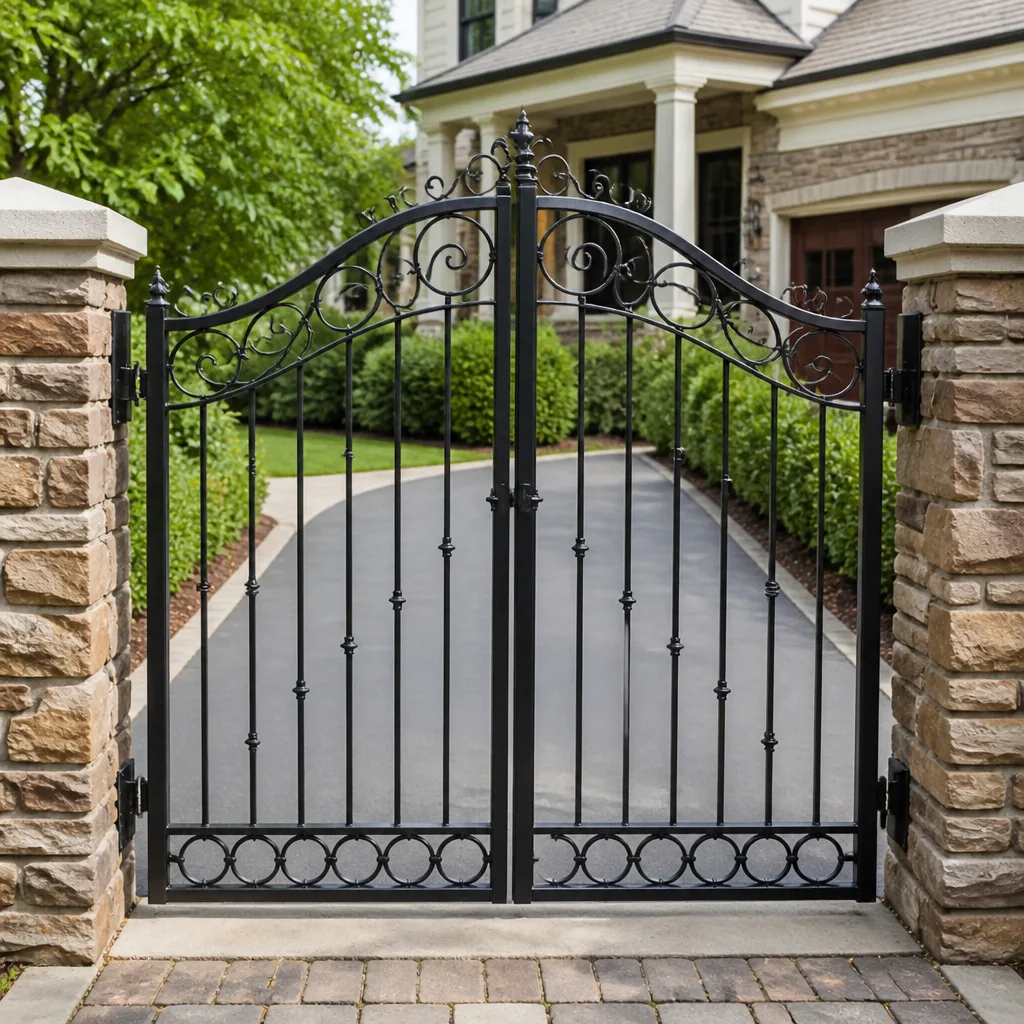 Wrought iron
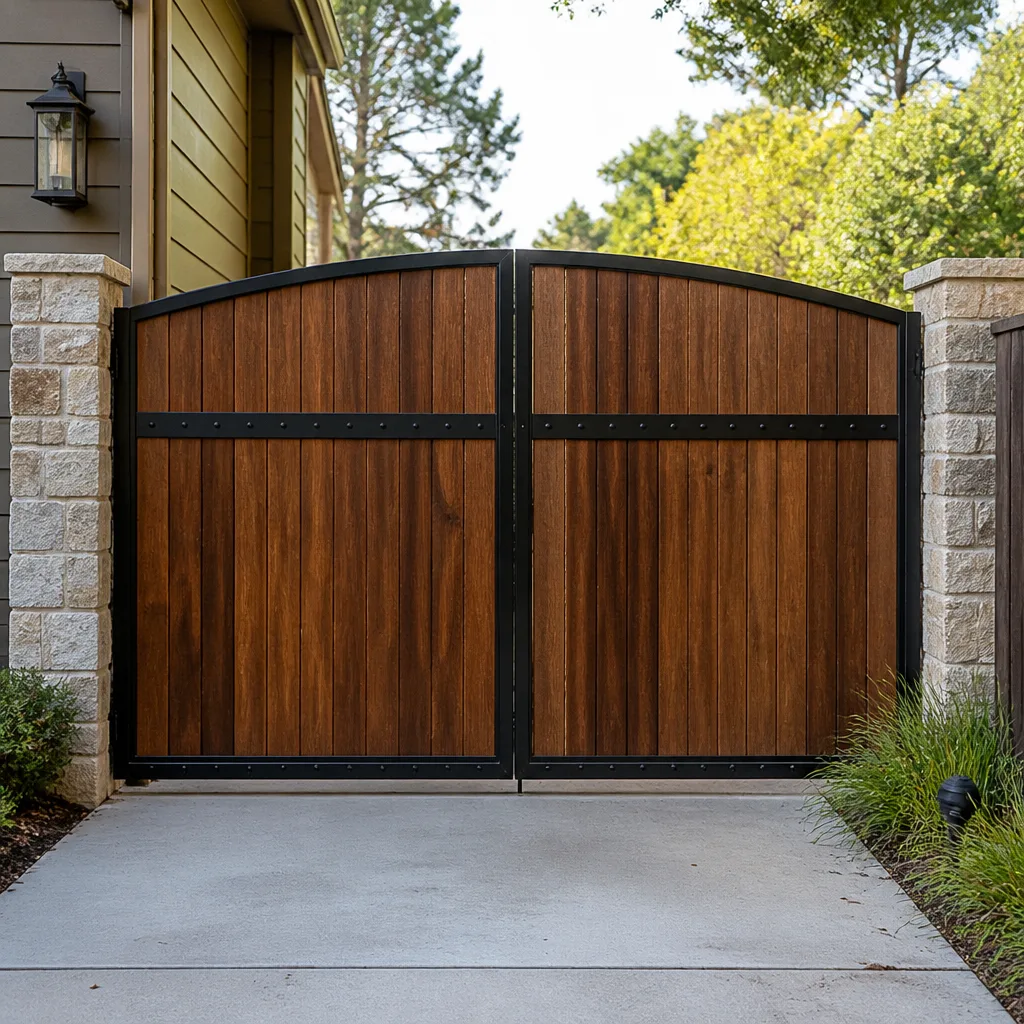 Wood & steel frame
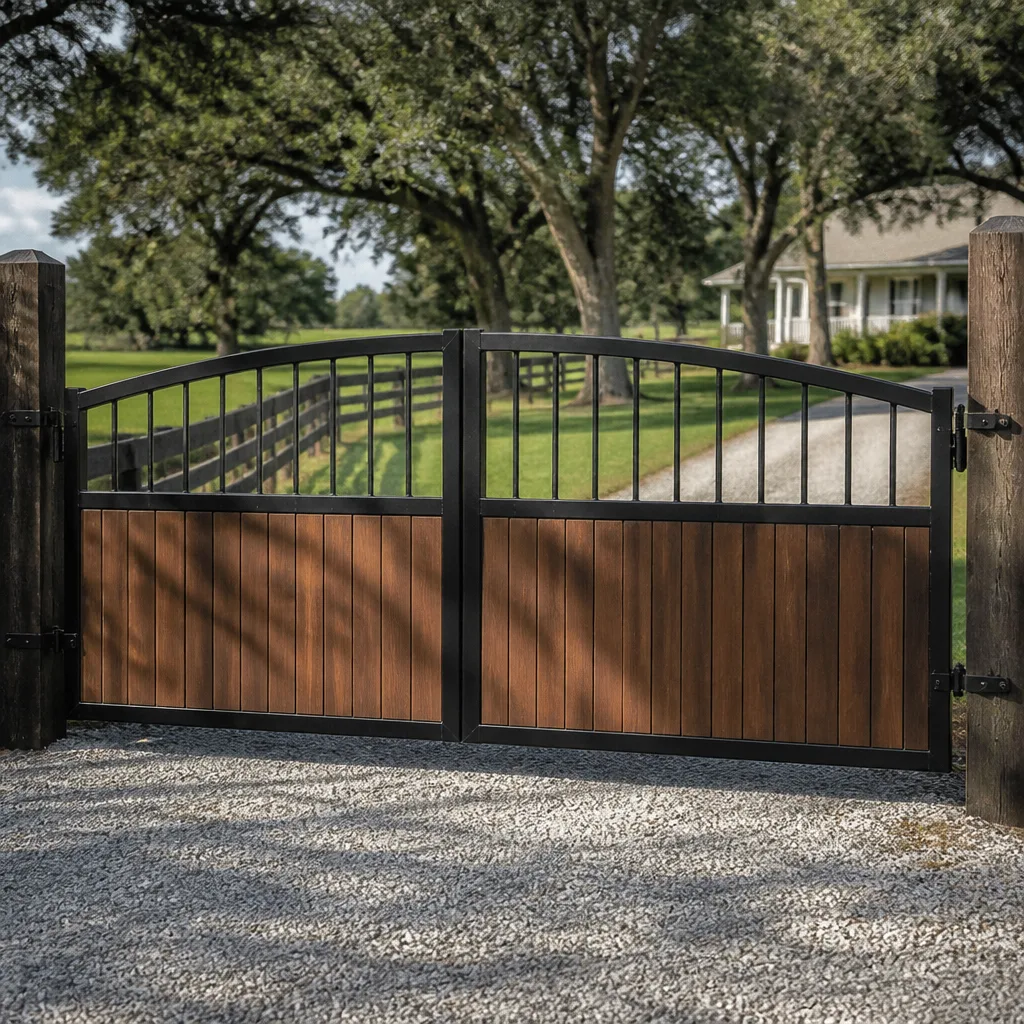 Farm & ranch
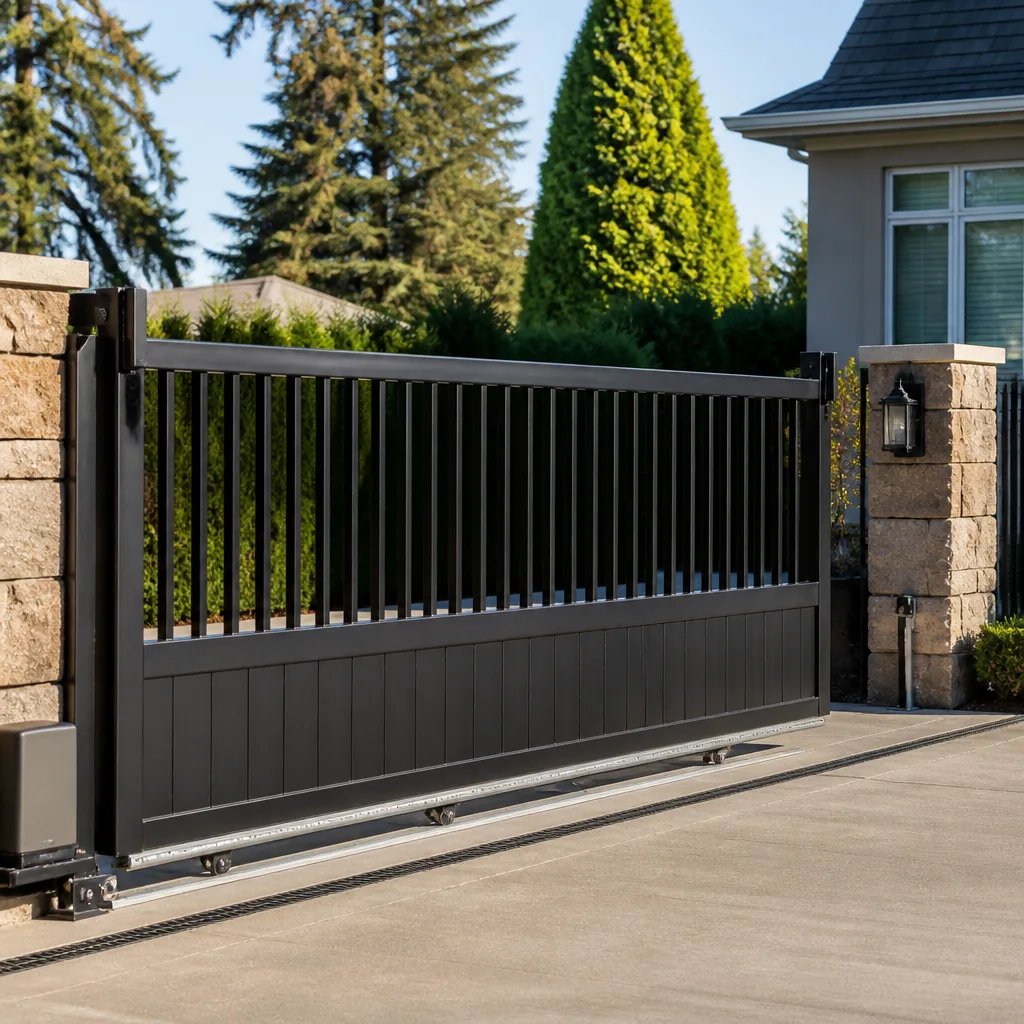 Sliding driveway gates
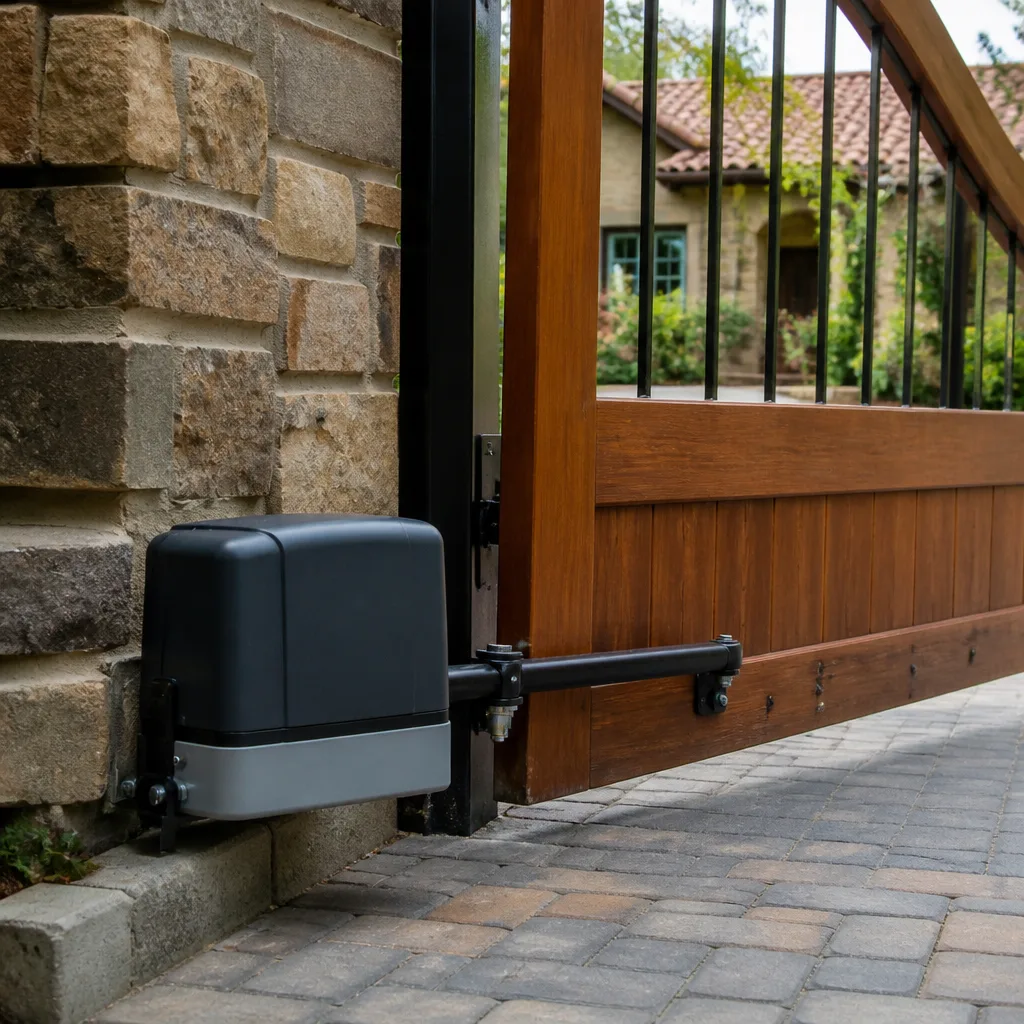 LiftMaster operators
Free on-site gate assessment - hinges, posts, and your LiftMaster or Nice gate operator checked before anything is quoted
The assessment is free and the quote is the invoice.
Get your free estimateGate Repair Troubleshooting in Aurora: Common Problems and How to Fix Them
A gate that “randomly” stops working almost never fails at random. Erratic behavior is the fingerprint of one specific failure mode, and in our experience it’s the one that gets misdiagnosed and re-repaired over and over until someone finally checks the right component first. A gate that reverses halfway every third cycle isn’t haunted. It’s telling you something precise about a switch, a sensor, or a voltage drop that shows up only under load. This guide teaches you to read your gate’s symptoms the way a technician does. You’ll learn the five root causes behind most Aurora gate failures, how to tell a board fault from drift from a power problem using behavior alone, and when the fix is actually an adjustment rather than a repair.
Quick Answer
Most automatic gate failures in Aurora come down to five root causes: a worn or misaligned limit switch, a failing control board, a power supply or wiring problem, a blocked or dirty safety sensor, and mechanical binding on the track or hinges. You can often narrow it down without tools by watching how the gate fails. A gate that stops mid-travel points to limits, sensors, or obstruction. A gate that won’t start at all points to power, the board, or the receiver. Naming the symptom pattern correctly is half the diagnosis, and it’s the difference between a fast fix and a string of wasted service calls.
Styles & brands we work with
- Wrought iron
- Wood & steel frame
- Farm & ranch
- Sliding driveway gates
- LiftMaster operators
Table of Contents
- The Five Root Causes Behind Most Gate Failures
- Reading Your Gate’s Symptoms: A No-Tools Diagnostic Map
- Gate Stops Mid-Travel vs. Won’t Start at All
- What Aurora’s Freeze-Thaw Cycle Does to Underground Wiring and Loop Detectors
- How to Read Fault Codes on LiftMaster, Viking, and US Automatic Operators
- When a “Repair” Is Really Just an Adjustment
- Commercial vs. Residential Systems: Different Symptoms, Different Fixes
- How to Prepare Before a Technician Arrives
The Five Root Causes Behind Most Gate Failures
Before you start swapping parts, understand the small set of systems that actually cause gate problems. Almost every failure traces to one of five areas, and each has a distinct behavioral signature. Once you can place your gate’s behavior into one of these buckets, you’ve cut diagnostic time roughly in half.
- Limit switches. These tell the operator when the gate has reached fully open or fully closed. When they drift, the gate overshoots, reverses, or stops a few inches short of its travel endpoint.
- The control board. This is the brain that reads sensors, manages motor direction, and logs faults. A failing board produces erratic, non-repeatable behavior: working fine one day, dead the next, then fine again.
- Power supply and wiring. Low voltage, a tripped breaker, or a corroded splice makes the operator strain or cut out under load. The gate may run smoothly with no resistance, then stall the moment it meets any friction.
- Safety sensors and loop detectors. Photocells, safety edges, and in-ground loops stop or reverse a gate for safety. A dirty lens, a shifted loop, or a damaged edge wire tells the board “obstruction” when there isn’t one, causing phantom reversals.
- Mechanical binding. Hinges, rollers, tracks, and chains wear. Binding causes the motor to work against resistance, which triggers overload protection and looks like an electrical problem when it’s physical.
The reason these five matter so much in Aurora is that the local housing stock is a mix of older homes with retrofitted automation and newer builds with fully integrated systems. Retrofit jobs are where the most confusing failures live, because wiring run years ago may not match what the current operator expects. If you’ve read our overview of gate repair, you’ve seen how often a brand-new operator gets blamed for a wiring problem that predates it. Same root cause, wrong suspect. Placing your symptom in the right bucket first is what prevents that.
Reading Your Gate’s Symptoms: A No-Tools Diagnostic Map
You don’t need a multimeter to narrow down a gate fault. The gate’s own behavior is the diagnostic tool, and it’s giving you information every single time it runs. Watch closely, note the pattern, and use this map to identify the likely culprit before anyone touches a screwdriver.
- The gate runs partway, then reverses on its own. Most likely a safety sensor or safety edge reading a phantom obstruction. Check for a dirty lens, a spider web across a photocell, or a damaged edge wire. If those are clean and it still reverses, suspect a limit switch losing its position.
- The gate moves a few inches and stops dead. This is a classic overload or power symptom. The motor is straining against resistance or under-voltage. Check for binding at the hinges or track and confirm the breaker hasn’t tripped.
- The gate works from one remote but not another. That’s a receiver or remote-pairing issue, not a motor or board fault. The operator itself is fine.
- The gate is completely dead, no movement, no click, no light. Start at the power source. Breaker, disconnect, wiring to the operator, and the operator’s own fuse. A board fault comes after you’ve ruled out the simple stuff.
- The gate cycles on its own with no command. Erratic self-activation usually points to a failing board, a stuck command button, or a loop detector that’s holding a false trigger. Loop detectors are common on commercial properties and shared driveways in Aurora.
- The gate hesitates or stutters mid-travel. Intermittent behavior that doesn’t repeat consistently is the trademark of a voltage drop or a control board beginning to fail. This is the hardest to pin down without testing.
One more pattern worth noting: a gate that works in mild weather but fails in cold or wet conditions is almost always an electrical or sensor problem, not a motor that’s dying. The motor doesn’t care about temperature. Spliced wiring, loop detectors, and photocells do. Aurora’s swing between frozen and thawed ground makes that seasonal failure pattern very common here.
Why Pattern Recognition Beats Guesswork
When you can describe your gate’s behavior precisely, you save everyone time. Instead of “it just stopped working,” a description like “it reverses about two seconds after it starts closing, and it only does it when it’s below freezing” tells a technician exactly which subsystem to test first. That’s the difference between a focused diagnostic visit and a hunt.
Gate Stops Mid-Travel vs. Won’t Start at All
These two failures point to completely different components, and mixing them up is one of the most common reasons a gate gets the wrong part thrown at it. A gate that stops mid-travel is a gate that knows how to run but is being interrupted. A gate that won’t start at all is a gate that never got the command or never had the power to act on it.
A gate that stops mid-travel is telling you something interrupted a cycle that began normally. That interruption almost always comes from one of four places:
- A safety sensor or edge detecting a phantom obstruction
- A limit switch that has drifted and is triggering early
- Overload protection engaging because of mechanical binding
- A control board losing track of travel position
A gate that won’t start at all is a different story. The operator isn’t receiving the command, or it doesn’t have the juice to execute it. That means you’re looking at:
- Loss of power at the breaker, disconnect, or operator fuse
- A dead control board or a board stuck in a fault state
- A receiver or remote-pairing failure so the operator never gets the signal
- A safety input locked out from a stuck button or failed sensor holding the circuit open
The split matters because the diagnostics run in opposite directions. Mid-travel failures start with the sensors and mechanical track. Won’t-start failures start at the power source and work inward to the board. Guessing backward wastes a lot of effort. If your gate is a swing operator from a residential brand like Mighty Mule or Ghost Controls, the mid-travel failure is very often a safety edge or limit drift, while a Gate Repair Aurora technician handles those fixes constantly, along with the more complex commercial boards on FAAC and BFT operators where a won’t-start fault is frequently a power or loop issue.
What Aurora’s Freeze-Thaw Cycle Does to Underground Wiring and Loop Detectors
Aurora sits in a climate with hard freezing winters and repeated thaw cycles, and that cycle is the single biggest reason gate problems here follow a seasonal rhythm. The ground expands when it freezes and contracts when it thaws, and anything buried in it takes a beating. This is why so many gate faults surface in late autumn, mid-winter, and early spring rather than in midsummer.
Two buried systems suffer the most:
- Underground wiring to the operator and sensors. Repeated ground movement flexes buried conduit and direct-burial cable. Small cracks let moisture in, and freeze-thaw pushes water into splices and connections. The result is an intermittent open circuit that shows up as a gate that works on dry days and fails after rain or a thaw. If your gate misbehaves specifically after wet weather, suspect buried wiring before you suspect the operator.
- In-ground loop detectors. Vehicle loop detectors are coils embedded in the driveway. Freeze-thaw movement shifts and cracks them, which changes their inductance and triggers false “vehicle present” signals. On commercial properties and shared driveways, this shows up as a gate that won’t close because it thinks a car is always sitting on the loop, or a gate that opens on its own when nothing is there.
The seasonal pattern looks like this: a gate that worked all summer starts ghost-opening or refusing to close as the ground freezes. Owners assume the operator failed, but the loop or the wiring did. Recognizing the timing is the diagnostic key. When the weather turns and your gate’s behavior changes with it, look underground first. For a deeper look at how this plays out across the Aurora area, seasonal fault patterns are one of the most useful things to understand.
There’s also a surface consequence of the same cycle: heaving driveways. When frost lifts a slab, a sliding gate’s track can shift and a swing gate’s hinges can bind, producing mechanical symptoms that look electrical.
How to Read Fault Codes on LiftMaster, Viking, and US Automatic Operators
Modern operators log fault codes, and those codes tell you what the board itself believes went wrong. You don’t need the paper manual to use them, because the diagnostic logic is consistent across brands: the operator flashes or blinks a light a set number of times to indicate a category. The exact count varies by model, but the categories are shared.
What the flash patterns generally tell you:
- A single repeating blink set right after a failed command usually points to a safety input or an obstruction the board is interpreting as unsafe.
- A rapid multi-blink sequence during travel typically signals a limit or travel-position fault. The operator lost track of where the gate is.
- A code on power-up before any command points to a board self-test failure or a wiring fault the board detects at boot.
- No code and no light at all means power isn’t reaching the board. Start at the fuse and disconnect before assuming the board is dead.
For brands you may have on your property, the approach holds whether it’s a LiftMaster residential operator, a Viking unit, or an older US Automatic system. If you have a DoorKing or Elite commercial operator, the board readout is often a small display that spells out the fault in text rather than blinks, which is easier to interpret but tells you the same underlying truth: the board has already narrowed the problem down for you. The trick is knowing which category the code belongs to so you know what to check next. A technician familiar with these brands reads the code and goes straight to the suspect component.
Reading Codes Without Panicking
A fault code is not a verdict that the whole operator is finished. Most codes point to a single input or sensor the board is unhappy with. The board is doing you a favor by flagging it. Grab the code number or the blink count, note what the gate was doing when it happened, and you’ve handed a technician a shortcut.
When a “Repair” Is Really Just an Adjustment
A meaningful share of the gate calls that get described as repair jobs are actually adjustment jobs. That distinction matters, because an adjustment done wrong can void a manufacturer warranty or create a genuine safety hazard, while an adjustment done right is quick and precise. Knowing which problem you’re facing tells you whether to attempt anything yourself at all.
A problem is likely an adjustment when:
- The gate reaches its endpoints but overshoots or stops slightly short, and the motor runs fine.
- The gate is a little noisy or sluggish but never stalls or reverses.
- The gate’s alignment drifts so it drags at the latch or closure point.
A problem is likely a repair when:
- The operator shows a fault code or won’t run at all.
- The gate reverses or stops repeatedly with no visible obstruction.
- A sensor or limit switch has physically failed, not simply drifted.
Here’s the safety caveat that matters most: adjusting limits on an automatic gate is not cosmetic tuning. Limits determine where the gate stops, and if you set a limit too far in either direction, the gate can crush against an obstacle or fail to stop where it should. Automatic gate panels are heavy, and many swing and slide gates move with enough force to cause serious injury to a person or animal in the path. If you’re not certain the safety sensors and edges are working correctly, don’t tune limits on your own. Bring in a technician who tests the safety system as part of the adjustment. It also protects your warranty, which most manufacturers void if limits or force settings are changed incorrectly. For operators that carry real force, like the commercial-grade FAAC and BFT systems, this is not a place for trial and error.
Commercial vs. Residential Systems: Different Symptoms, Different Fixes
Aurora has a mix of single-family homes with driveway gates and commercial properties, HOAs, and multi-unit buildings with high-cycle automatic gates. These two worlds fail in different ways because they’re built for different duty cycles. Understanding which world you’re in helps you predict what’s likely to break.
Residential systems, typically Mighty Mule, Ghost Controls, or similar residential-grade operators, are built for a handful of cycles a day. Their common failures are:
- Safety edge and photocell problems causing phantom reversals
- Battery and low-voltage issues, since many residential operators run on battery or low-voltage solar-friendly setups
- Limit drift from infrequent use, where a gate that sits for weeks can shift its stop points
Commercial and high-cycle systems, like DoorKing, FAAC, BFT, and Elite operators, run dozens or hundreds of cycles a day. Their failure profile is different:
- Mechanical wear on hinges, rollers, and chains from sheer repetition
- Loop detector faults from pavement flex and traffic
- Control board and receiver failures from constant signaling
If you manage a commercial property in Aurora, your gate’s most likely fault is mechanical wear or a loop detector, not a sensor you can wipe clean. If you own a home, your most likely fault is a safety sensor or a power issue. That distinction alone tells you where to start looking. The specialist approach matters here: a single-trade gate team works across both residential and commercial systems and knows the difference in failure modes. That’s the reasoning behind our focus on electric gate repair as a dedicated discipline rather than a sideline.
How to Prepare Before a Technician Arrives
The most useful thing you can do before a gate repair visit is gather accurate information. A technician who arrives knowing what your gate is doing spends less time rediscovering what you already know, and that’s time saved on your side of the visit.
- Write down the brand and model. Check the operator housing for a label. Knowing it’s a Ghost Controls or a DoorKing tells the technician what to expect before anyone opens a panel.
- Describe the exact symptom pattern. Does it stop mid-travel or not start at all? Does it fail in cold or wet weather specifically? Does it reverse, stall, or stay dead?
- Note the fault code or blink count if your operator shows one. Snap a photo of the light pattern or the display if you’re not sure.
- Check the obvious power items first. The breaker, the disconnect switch, and the operator fuse. If it’s the breaker, that’s a quick check you’ll both want out of the way.
- Clear access to the operator and the gate path. The technician needs room to cycle the gate and test the sensors safely.
- Mention your safety sensors and edges. Note whether they look dirty, damaged, or misaligned, or whether the gate reverses without any obstruction.
None of this replaces a professional diagnosis, but it makes the visit faster and more accurate. It also means you can give a clear description on the phone when you call.
Common Mistakes to Avoid
- Assuming “it stopped working” means the motor is dead. Most gate failures are sensors, limits, wiring, or the board, and the motor is the last thing to fail. Start at the power source and work inward instead of ordering a new motor first.
- Bypassing or taping over a safety sensor to make the gate close. A disabled safety edge on a heavy automatic gate is a serious injury hazard, and it also masks the actual fault. Fix the sensor; don’t silence it.
- Tuning limits without checking the safety system. Adjusting where the gate stops without verifying the safety edges and photocells are working can create a crush hazard or void a warranty. Test the safety system as part of any adjustment.
- Ignoring the seasonal pattern. If your Aurora gate fails specifically after rain or a freeze, the culprit is probably buried wiring or a loop detector, not the operator. Replacing the operator won’t fix underground wiring.
- Re-pairing remotes when the gate won’t start. If the gate is completely dead, a remote-pairing problem isn’t the cause. Check power and the board first before you burn an afternoon re-pairing.
- Replacing a board because of a single fault code. Fault codes point to the specific input that’s unhappy, not necessarily a dead board. Read the category before you replace anything.
- Assuming a commercial gate fails like a home gate. High-cycle commercial systems wear mechanically first; residential systems fail on sensors and power. Different problems need different diagnostics.
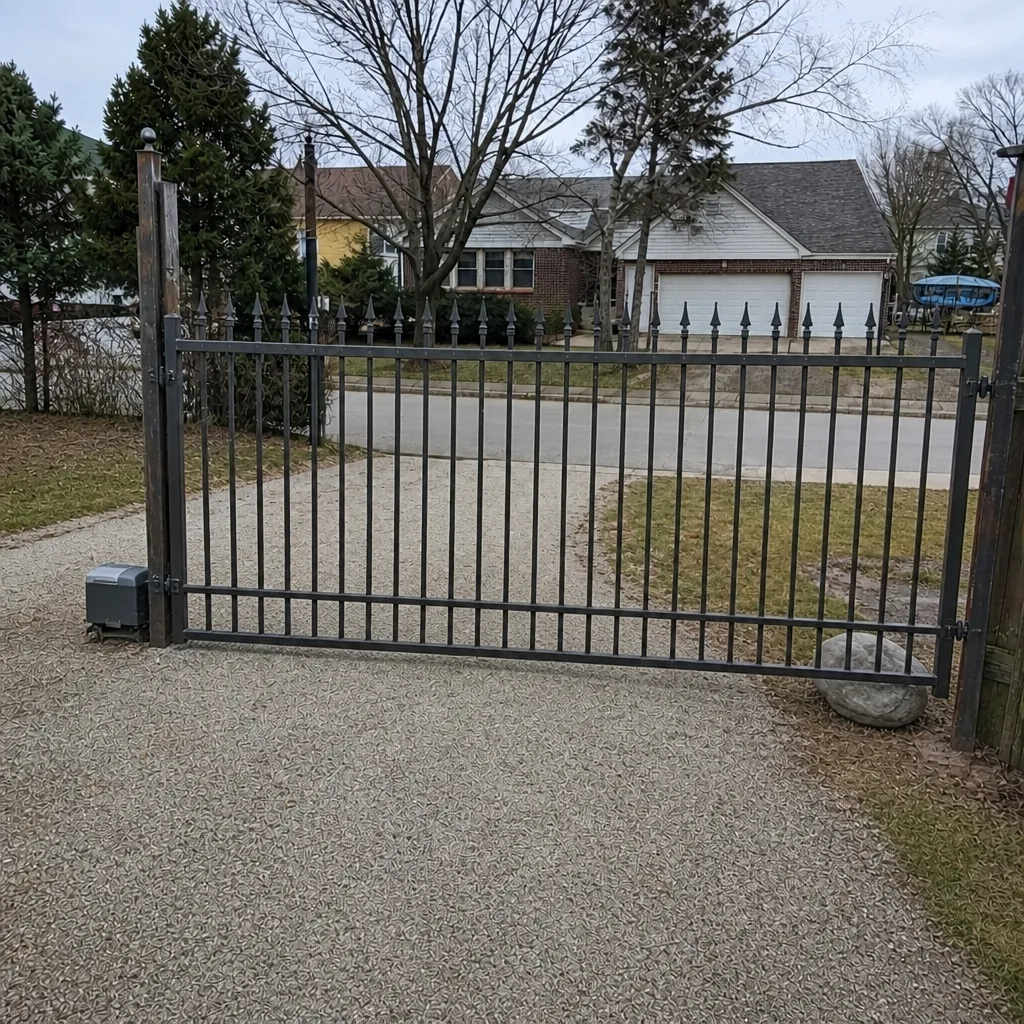
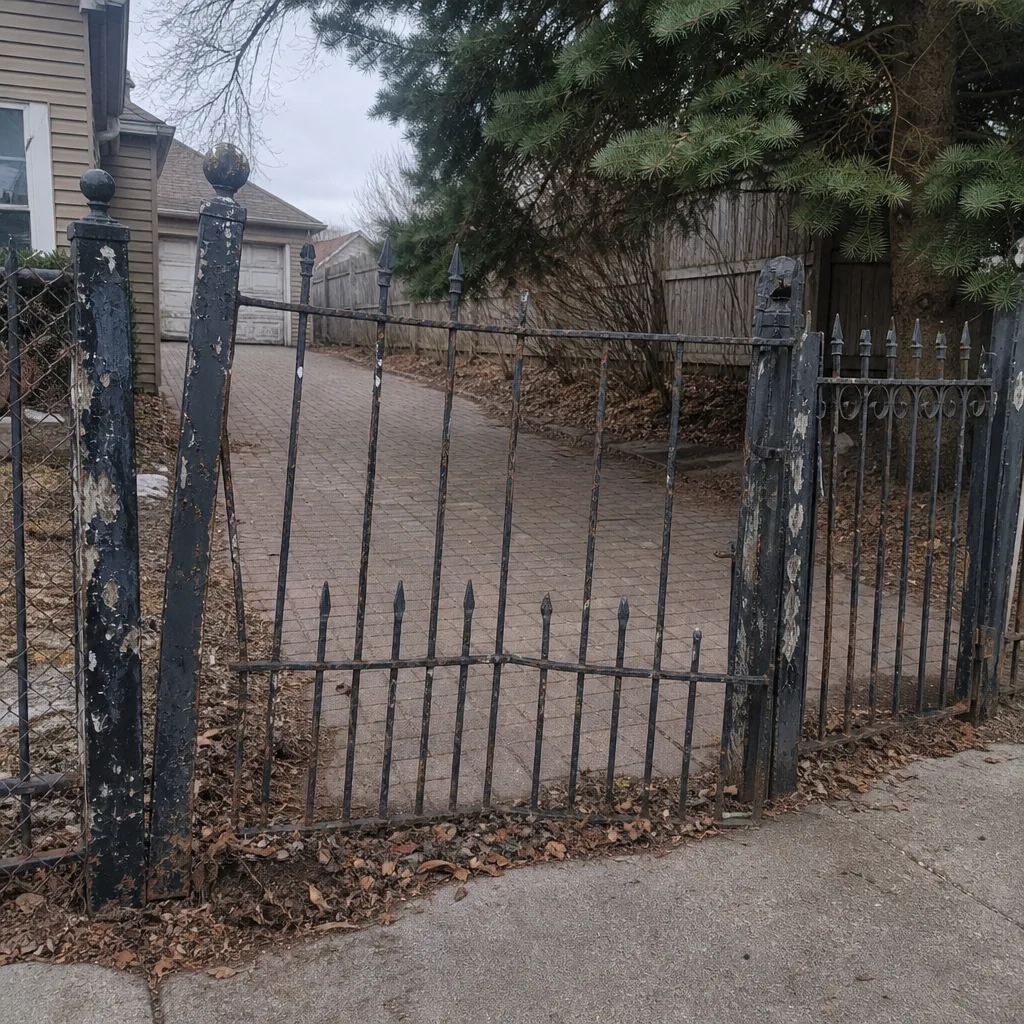
See the difference
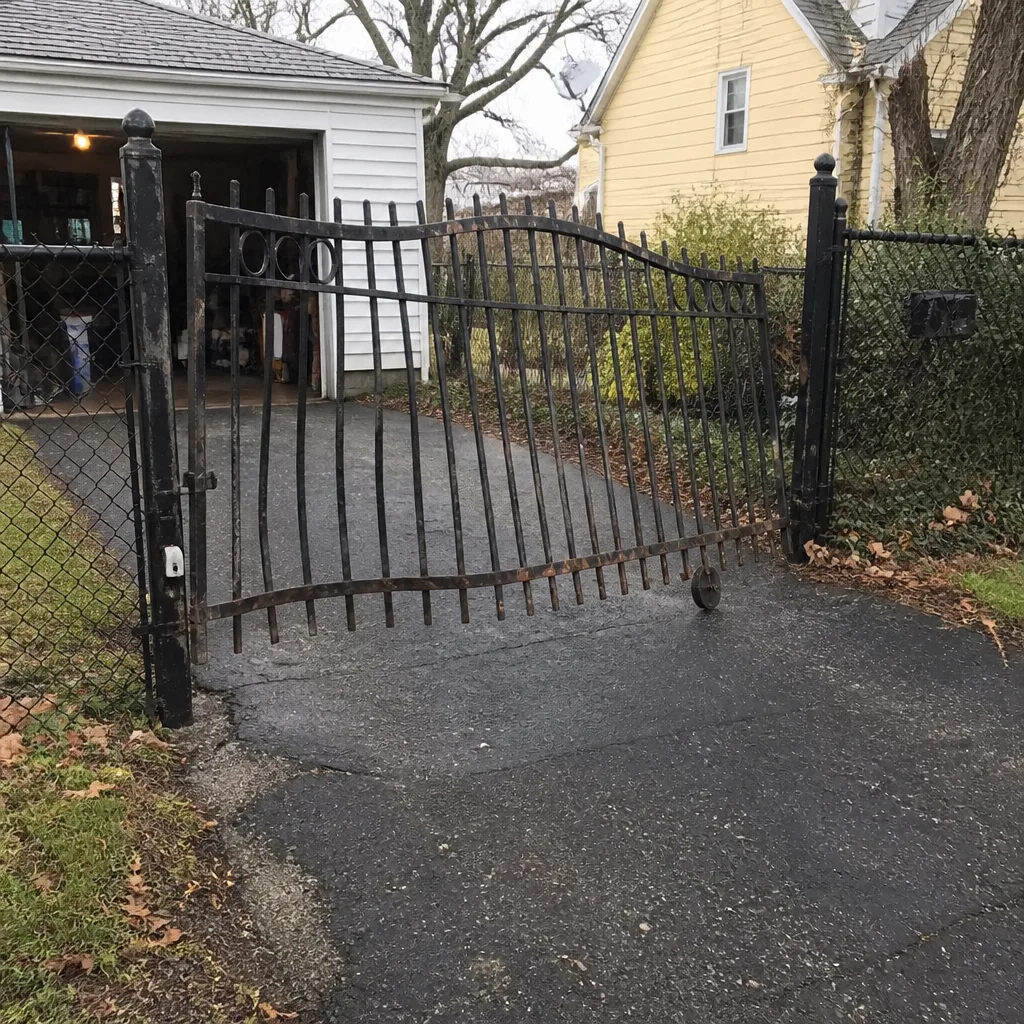 Before
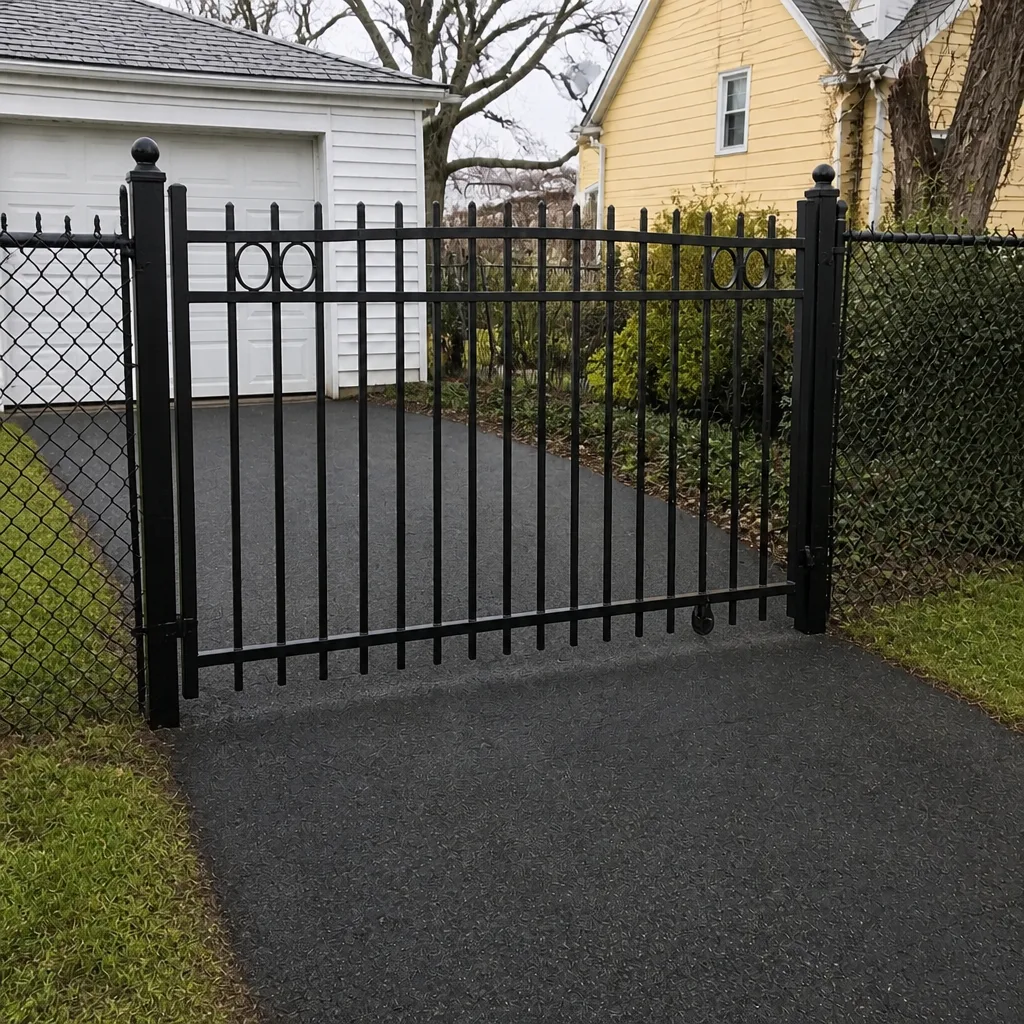 After
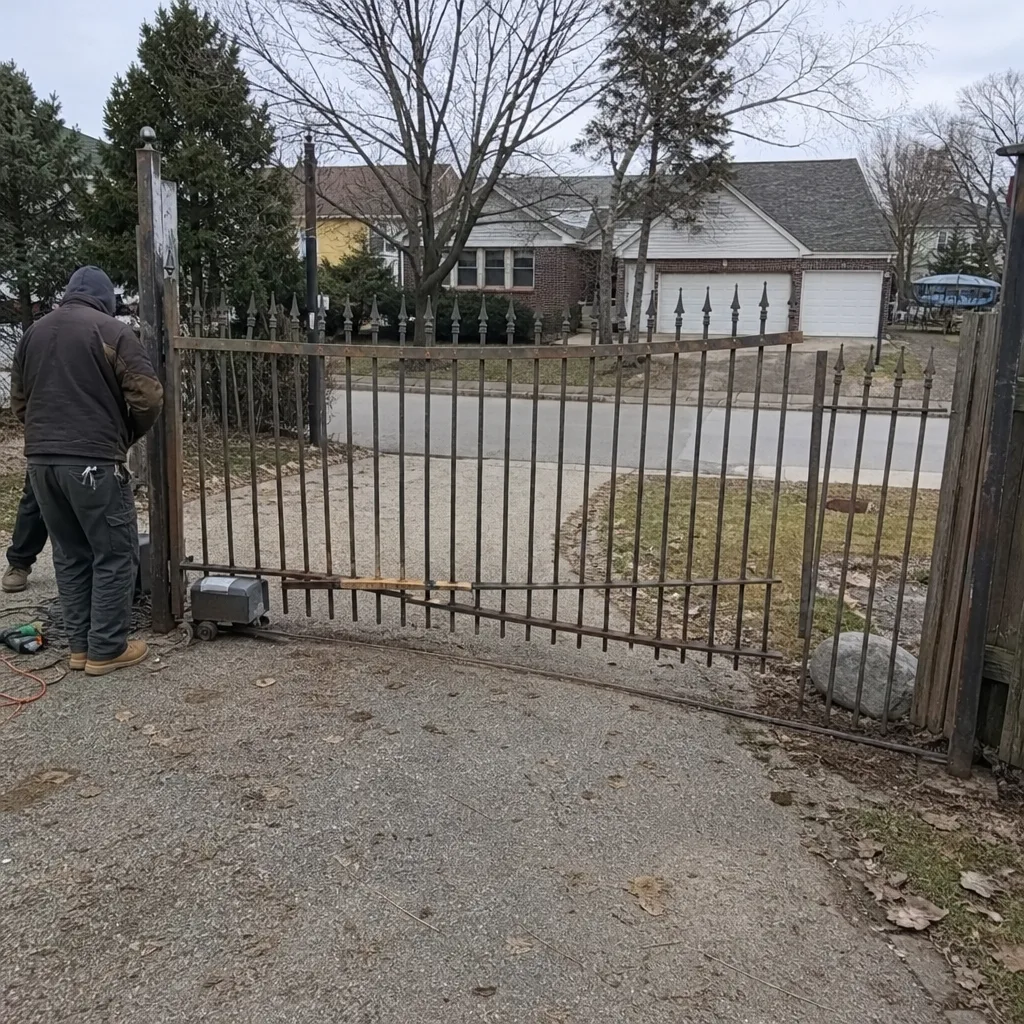 Before
 After
 Before
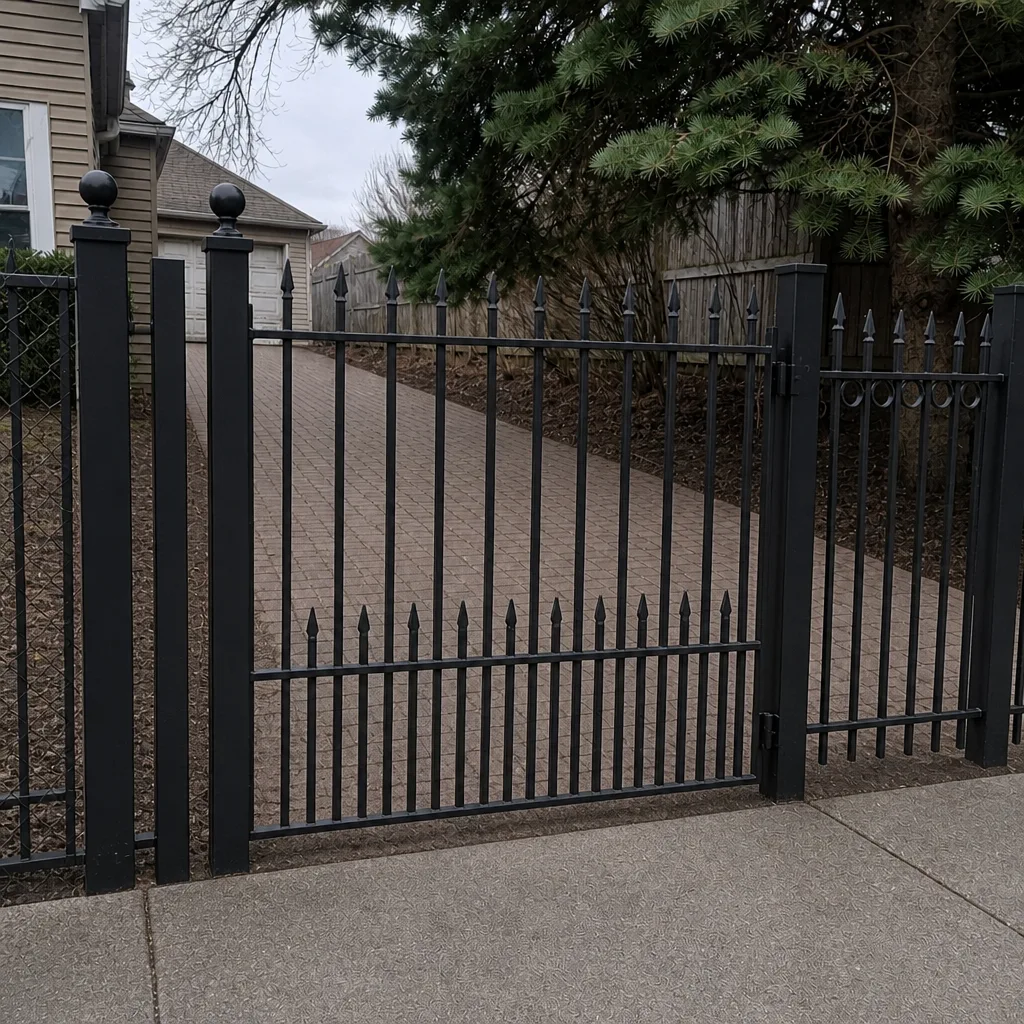 After
When to Call a Professional
Some gate problems are safe to check on your own: a tripped breaker, a dirty photocell lens, a stuck command button. But the moment your symptoms point to limits, the control board, buried wiring, or anything involving the safety system on a heavy automatic gate, bring in a trained technician. That includes a gate that reverses repeatedly, a gate that won’t start at all, any error code you can’t interpret, and any situation where tuning the limits could change where the gate stops. Automatic gate panels are heavy and the operators carry real force; a mis-set limit or a bypassed safety edge can cause serious injury. When you’re dealing with an electric or automated system, wiring, control boards, receivers, and motor assemblies are specialized work. Gate Repair Aurora offers free estimates in Aurora and works across the brands installed here, from residential openers to high-cycle commercial operators. Call (866) 361-5021.
Frequently Asked Questions
A gate that starts fine but stops mid-travel is almost always being interrupted by a safety sensor, a drifted limit switch, mechanical binding, or the control board losing track of position. Check for a dirty photocell or damaged safety edge first, then look at the limits. If those are clean and the gate still stops, it’s time for a technician. Call (866) 361-5021 for a free estimate.
Start at the power source. Check the breaker, the disconnect switch, and the operator fuse before anything else, because a gate that won’t start is usually a power, board, or receiver problem rather than a motor failure. If the power checks out and the gate is still dead, call (866) 361-5021 for a free estimate.
A gate that fails specifically in cold or wet weather is usually showing an underground wiring or loop detector problem, not an operator failure. Aurora’s freeze-thaw cycle flexes buried conduit and cable, letting moisture into splices and shifting in-ground loops, which produces intermittent faults tied to the weather. Call (866) 361-5021 and describe the seasonal pattern; that’s a strong diagnostic clue.
We don’t recommend adjusting limits on an automatic gate yourself unless you can also verify the safety sensors and edges are working correctly, because limits determine where the gate stops and a mis-set limit can create a crush hazard or void a warranty. Limit adjustment is best done by a technician who tests the safety system as part of the job. Call (866) 361-5021 for a free estimate.
No. A fault code usually points to a specific input or sensor the board is unhappy with, not a failed board. Note the blink count or the code number and what the gate was doing when it appeared; that tells a technician exactly where to look. Call (866) 361-5021 with the code for a free estimate.
Yes. We service residential systems from brands like Mighty Mule and Ghost Controls and commercial, high-cycle operators from brands like DoorKing, Elite, FAAC, and BFT, plus other major brands installed across Aurora. Commercial and residential gates fail in different ways, and we handle both, repair and installation. Call (866) 361-5021 for a free estimate.
The Bottom Line
Most gate failures in Aurora are not mysterious. They fall into five root causes: limit switches, control boards, power and wiring, safety sensors and loop detectors, and mechanical binding. The gate’s own behavior tells you which one you’re dealing with, if you know how to read it. A gate that stops mid-travel points to sensors, limits, or obstruction; a gate that won’t start points to power, the board, or the receiver. Aurora’s freeze-thaw cycle makes buried wiring and loop detectors a seasonal suspect, and many “repairs” are really adjustments that need a safety check. Learn the pattern, describe it clearly, and you’ll get your gate back up and running faster, whether you fix the simple things yourself or bring in a specialist. Our technicians have up to 9 years of experience across residential and commercial systems.
Gate Repair Aurora is your specialist for electric gate repair and gate installation across Aurora and the surrounding area, working with nine major brands including LiftMaster, FAAC, BFT, Linear, Viking, Ghost Controls, DoorKing, Elite, and Mighty Mule. Whether your gate needs repair or replacement, we’re the one call that covers all outcomes. Call (866) 361-5021 for a free estimate. We answer 24/7. Fast dispatch from 7am to 7pm, Sunday through Friday, and we’re closed Saturday. If you’d like a full picture of what we do, start with Gate Repair Aurora.
Written by the team at Gate Repair Aurora.